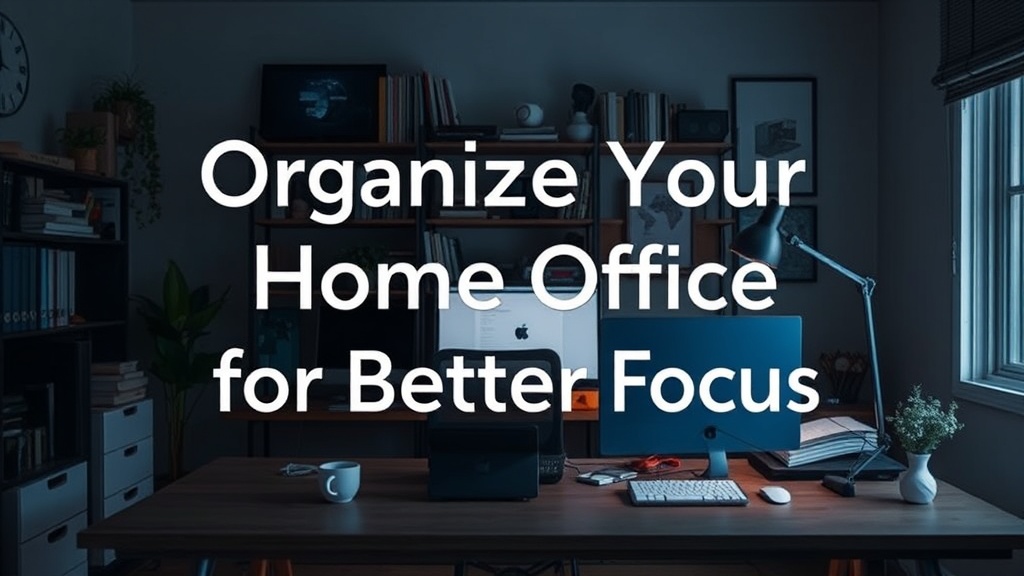
Organize Your Home Office for Better Focus

A stack of unfiled invoices sits next to a tangled web of charging cables, and your focus shifts from your spreadsheet to the clutter every five minutes. This isn't just a mess; it is a structural failure of your workspace. A disorganized home office creates cognitive load, forcing your brain to process visual noise instead of your actual tasks. This guide provides a technical framework for organizing your workspace using architectural principles of zoning, ergonomics, and verticality to ensure your environment supports, rather than sabotages, your productivity.
The Blueprint of a Productive Workspace
Before you buy a single plastic bin, you must analyze the "flow" of your desk. In architecture, we look at circulation paths; in a home office, we look at the movement of your hands and eyes. A functional office is divided into three distinct zones: the Primary Zone, the Secondary Zone, and the Reference Zone.
The Primary Zone: The Reachable Radius
The Primary Zone includes everything you touch during a standard hour of work. This is your keyboard, mouse, notepad, and perhaps a single beverage. To maintain focus, this area must remain 70% clear at all times. If you find yourself constantly moving objects to make room for your arms, your desk is either too small or your Primary Zone is overpopulated. Use a desk mat—preferably one made of felt or leather—to visually define this boundary. This creates a psychological "work stage" that signals to your brain that it is time to execute.
The Secondary Zone: The Arm's Length Reach
This area extends to your full arm reach while seated. This is where your phone, a pen cup, and your most-used reference materials live. Instead of letting these items drift across the desk surface, utilize tiered organizers. A stepped acrylic stand for mail or a small wooden tray for stationery keeps items contained without encroaching on your Primary Zone. If you find you are reaching too far and losing posture, move these items closer or implement a swivel base for your peripheral devices.
The Reference Zone: The Perimeter
The Reference Zone includes items you use once a day or once a week: printers, heavy books, or filing systems. These should never sit on your desktop. They belong on shelves or in cabinets. By moving the Reference Zone away from your immediate sightline, you reduce the "visual static" that triggers distraction.
Optimizing Vertical Space and Structural Integrity
Most home offices fail because they rely too heavily on horizontal surfaces. A desk is a work surface, not a storage unit. To reclaim your desktop, you must look upward. Utilizing vertical space allows you to keep your tools accessible without cluttering your immediate field of vision.
One of the most effective ways to add organization is to build a custom floating shelf above your desk. Floating shelves are superior to bulky bookcases because they maintain an open sightline, making a small room feel larger while providing a dedicated home for your reference materials. When installing, ensure you are using the correct wall anchors—toggle bolts are essential if you are mounting into drywall without a stud—to support the weight of heavy books or equipment.
For smaller items like paperclips, sticky notes, or SD cards, avoid the "junk drawer" trap. Instead, use a modular pegboard system. A metal or wooden pegboard mounted to the wall allows you to customize your storage density. You can hang metal bins for larger items and small wooden shelves for delicate tools. This keeps your desk surface completely clear while keeping your tools within the Secondary Zone.
Managing the Invisible Chaos: Cable Management
Nothing breaks a professional aesthetic faster than a "cable nest" beneath a desk. Even if your desk looks clean on top, a tangle of wires underneath creates a sense of structural instability and makes cleaning nearly impossible. Effective cable management requires a three-step approach: routing, securing, and labeling.
- Routing: Use a cable management tray (often called a "J-channel" or a wire basket) that screws into the underside of your desk. This lifts all power strips and bulky adapters off the floor.
- Securing: Use Velcro ties—not plastic zip ties—to bundle cables together. Velcro is reusable and much more forgiving when you need to add or remove a device. Group your cables by function: one bundle for power, one for peripherals (keyboard/mouse), and one for data (monitor/ethernet).
- Labeling: Use a label maker to mark both ends of every cord. When you need to unplug your printer or move your monitor, you won't spend ten minutes playing "guess the wire."
If your desk has a metal frame, you can also use magnetic cable clips to keep your charging cables from sliding off the back when they aren't in use. This small structural fix prevents the frustration of hunting for a dropped cord under the desk.
Ergonomics and Lighting Layers
Organization isn't just about where things sit; it's about how your body interacts with the space. A disorganized office often leads to poor ergonomic habits, such as leaning forward to reach a misplaced notebook, which ruins your spinal alignment.
The Rule of 90 Degrees
Your workspace should be configured so that your elbows, hips, and knees are all at approximately 90-degree angles. If your monitor is too low, you will hunch; if your keyboard is too far away, you will reach. Use a monitor riser or a stack of sturdy coffee table books to bring your screen to eye level. This keeps your neck neutral and your focus sharp.
Layered Lighting for Focus
Avoid relying solely on a single overhead light, which creates harsh shadows and eye strain. Instead, implement a three-layer lighting system:
- Ambient Light: The general light in the room (usually a ceiling fixture or natural light from a window).
- Task Light: A dedicated desk lamp with an adjustable neck. This should be positioned to illuminate your Primary Zone without creating glare on your monitor.
- Accent Light: A smaller, warmer light source (like a small LED strip behind your monitor) to reduce the contrast between the bright screen and the dark wall, which helps prevent eye fatigue during long sessions.
The Maintenance Protocol: The "End-of-Day" Reset
A perfectly organized office will revert to chaos within days if you do not have a structural protocol for maintenance. High-performing professionals use a "Shutdown Ritual" to ensure they start the next day with a clean slate.
"A workspace is a living system. If you do not actively manage the input of clutter, the system will naturally drift toward entropy."
At the end of every workday, perform a five-minute reset. This is not a deep clean; it is a systematic return of items to their designated zones. Return all pens to the organizer, file any loose papers into their respective folders, and clear any coffee mugs or water glasses. If you use a pegboard or a floating shelf, ensure everything is back in its assigned slot. By treating your desk like a professional studio rather than a casual corner, you build the discipline required to maintain a high-functioning environment.
When you treat your office with the same respect you would a piece of custom cabinetry or a structural build, the results are immediate. You aren't just tidying up; you are engineering a space designed for deep work and sustained focus.