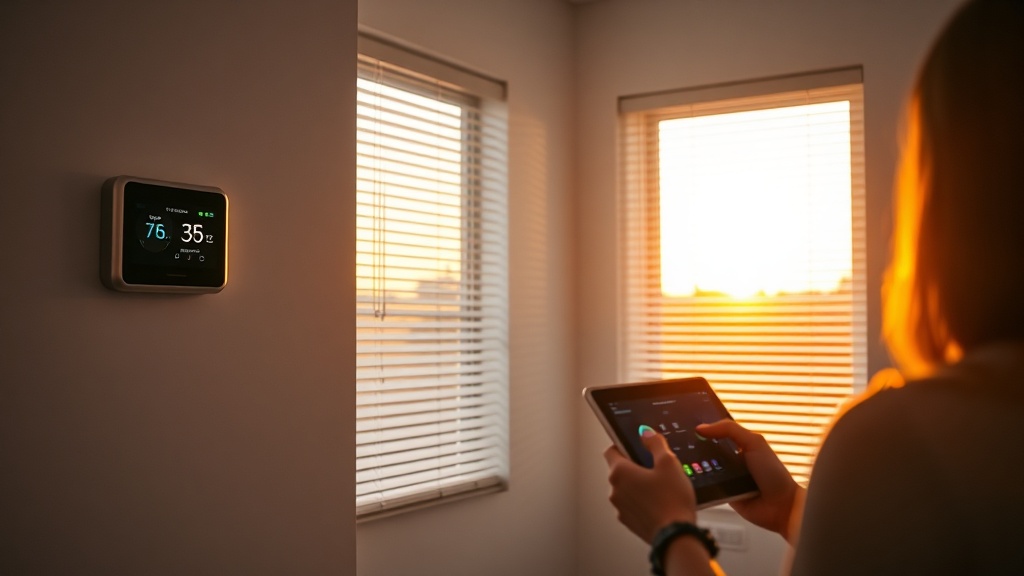
DST Smart Home Reset: Boost Sleep & Cut Energy Bills This Spring

Why does daylight saving time feel like a nightmare for sleep and energy bills?
When the clocks jump forward in early March, many of us stumble through groggy mornings, restless nights, and a spike in the electric bill. It’s not just the lost hour – it’s the way our smart home devices keep running on yesterday’s schedule.
What can I do right now to keep my circadian rhythm on track?
Sleep hygiene starts with consistency. The DIY Home Energy Audit 2026 taught us that small timing tweaks can shave off up to 15% of your heating and cooling load. Apply the same precision to your smart home:
- Shift your thermostat schedule 30 minutes earlier.
- Program lighting to dim gradually an hour before your new bedtime.
- Sync motorized blinds to sunrise and sunset for natural light cues.
How should I reprogram my smart thermostat for the DST shift?
Most modern thermostats (Nest, Ecobee, Honeywell) let you edit “Schedules” or use “Away” modes. Follow these steps:
- Open the app. Navigate to Schedule → Edit.
- Shift each time block forward by 30 minutes. If you heat to 70°F at 6 am, set it to 6:30 am now.
- Enable “Auto‑Away” after 9 pm. This prevents night‑time heating spikes when the house is empty.
- Save and let the thermostat learn. It will fine‑tune the next few days based on occupancy.
Pro tip: If you have a rented space, set the “Eco” mode to stay under the landlord’s energy caps.
Which lighting settings support better sleep after the clock change?
Blue‑rich LED bulbs can suppress melatonin. Here’s how to make your smart lighting work for you:
- Evening (2 hours before bedtime): Switch to warm‑white (2700 K) or use a “Relax” scene that dims to 30% brightness.
- Nighttime: Use motion‑activated night lights set to red or amber – they’re low‑impact on sleep cycles.
- Morning: Gradually brighten to 100% over 20 minutes as sunrise hits, mimicking natural light.
Check out the 5 Smart Lighting Upgrades guide for product recommendations that integrate with Alexa, Google Home, or Apple HomeKit.
Can automated blinds really save energy during daylight saving time?
Yes – by controlling solar gain. When the sun rises earlier, you’ll get more heat in winter months, but in 2026 we’re still in the cooling season for many zones. Program your blinds to:
- Close partially (≈30%) at 10 am to block harsh midday sun.
- Open fully after 4 pm to capture evening light, reducing the need for artificial lighting.
- Use “Sunrise” mode in summer to let natural light in, then shift to “Sunset” mode as days lengthen.
According to a TIME article (2026), aligning blinds with sunrise can cut cooling loads by up to 12%.
What about energy‑saving routines beyond the obvious?
Combine the above tweaks with these extra habits:
- Delay dishwasher start by 30 minutes to avoid peak‑hour rates.
- Set your smart plug schedules for non‑essential devices (TV, gaming consoles) to power‑down after 10 pm.
- Run a weekly “Energy Snapshot” in your thermostat app to catch any schedule drift.
Takeaway: Your DST smart‑home checklist
Use this quick reference the night before the clock change:
- Adjust thermostat schedule 30 min forward.
- Set evening lighting to warm, dimmed scenes.
- Program blinds to block midday sun and capture evening light.
- Enable motion‑triggered night lights.
- Run a one‑hour “energy snapshot” check in your smart hub.
Follow these steps, and you’ll not only sleep better but also keep those energy bills from spiraling after the spring‑forward.